Claude, GPT-5.5, and Gemini 3.1 Pro were trained differently and respond to prompts differently. The same prompt often produces noticeably different outputs across models — not just in quality but in structure, tone, and approach. Understanding these differences helps you write prompts that get the best out of each model rather than using one-size-fits-all instructions.
Claude
Responds best to specific, structured prompts with explicit constraints. XML tags for multi-section prompts. Role assignment before complex tasks.
Defaults: Claude tends toward longer, more thorough responses. It adds context, explains reasoning, and includes caveats by default. It also tends to be more cautious about potentially sensitive topics.
Common mistake: asking Claude a broad question and getting an essay when you wanted a paragraph. Claude fills the space you give it.
Fixes: - Set explicit length constraints: "Answer in 2-3 sentences." - Use negative constraints: "Don't explain why, just give me the answer." - If you want concise output, say so directly and specifically.
Claude-specific tips: - XML tags improve structural compliance on complex prompts - "Be direct" and "skip the caveats" produce noticeably more useful outputs for users who want opinions, not hedged analysis - For writing tasks, Claude matches tone examples closely — provide a sample of the style you want
GPT-5.5
Responds best to outcome-oriented prompts. Describe the goal and success criteria rather than the method.
Defaults: GPT-5.5 tends toward more structured outputs — it reaches for headers, bullet points, and organized formats by default. Responses are often more concise than Claude's on the same prompt.
Common mistake: giving GPT step-by-step instructions that constrain a method you don't actually care about. GPT does better when you describe what "done" looks like.
Fixes: - Frame prompts as outcomes: "I need an email that makes a time-pressed VP take action" rather than "Write a short, direct, professional email." - If you want plain prose instead of bullets, say so explicitly — GPT defaults to structure.
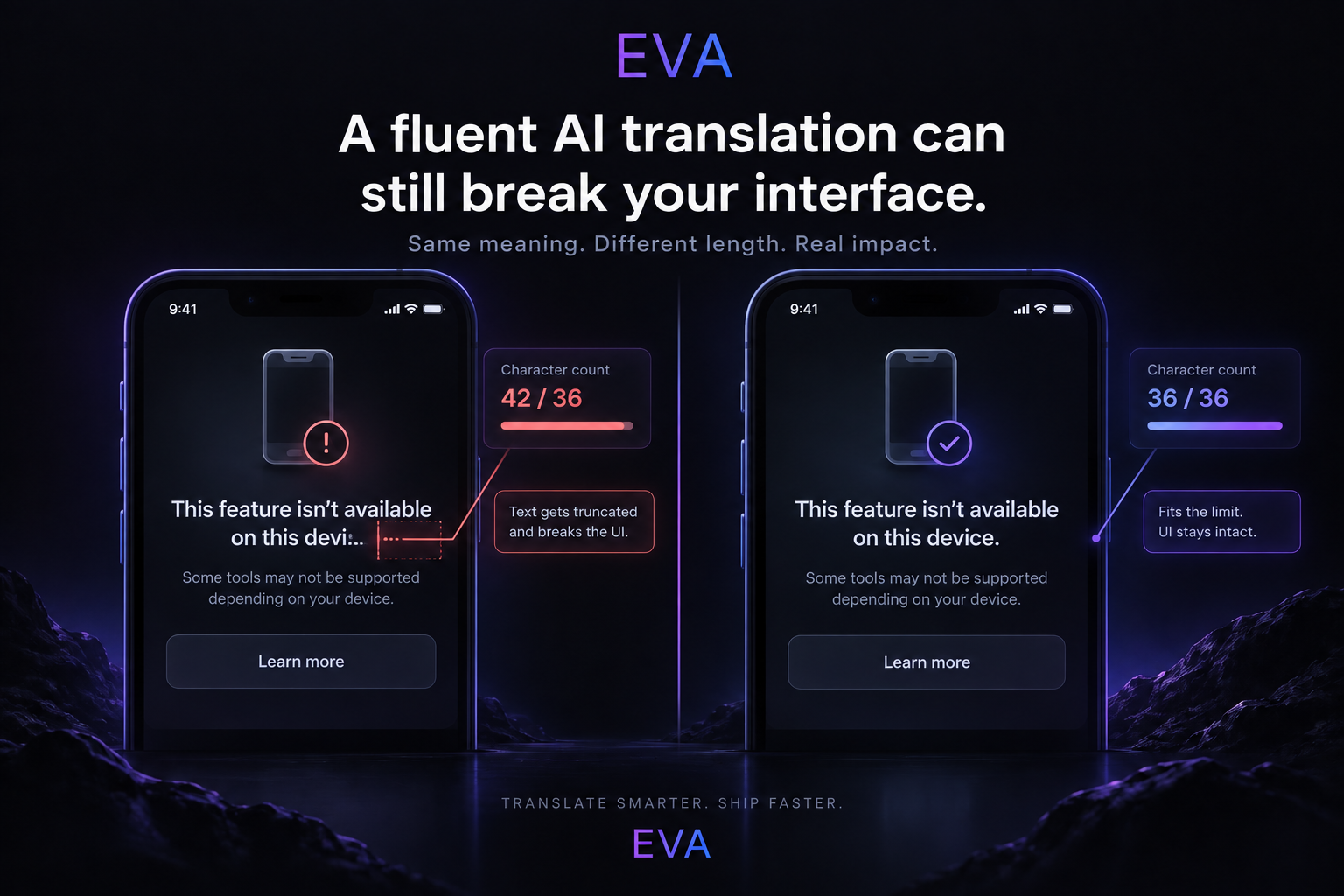
GPT-specific tips: - For brainstorming, GPT generates more diverse outputs than Claude — useful when you want options to choose from - When building GPT-based applications with function calling, GPT-5.5's tool use is well-calibrated and reliable - For short-form commercial copy, GPT-5.5 calibrates character limits and format constraints more precisely than Claude
Gemini 3.1 Pro
Responds best to questions that benefit from real-time information. Research tasks where currency matters. Prompts that ask it to pull live context into the response.
Defaults: Gemini is faster than Claude and GPT-5.5. It can be slightly less thorough on reasoning-heavy tasks but excels at tasks that require fast, research-grounded responses.
Common mistake: using Gemini for tasks that require deep reasoning without leveraging its research capabilities. This plays to its weaknesses rather than its strengths.
Fixes: - Add "use current data" or "include recent statistics" to research prompts — Gemini can do this natively, others can't - For long document analysis, explicitly reference its context capacity: "Use all available context" or "Consider the full document" to ensure it's not truncating
Gemini-specific tips: - For research-grounded content, specify "cite your sources" — Gemini can provide sourced responses like Perplexity when asked explicitly - Deep Research mode produces more comprehensive research reports than single-query prompts; use it for thorough literature-style research - Google Workspace-aware prompts (mentioning Docs, Gmail, Drive) get better integration behavior in the Google AI interface
Cross-model comparison at a glance
Prompt strategyClaudeGPT-5.5GeminiExplicit length constraintsVery effectiveModerately effectiveModerately effectiveXML structure tagsMost effectiveLess effectiveLess effectiveOutcome-framingWorks wellWorks bestWorks well"Include current data"No effectNo effectHighly effectiveRole assignmentHighly effectiveEffectiveEffectiveNegative constraintsVery effectiveVery effectiveEffective
The practical implication
If you're using multiple models regularly, it's worth building slightly different prompt templates for each — especially for high-frequency professional tasks. The same writing brief, analysis request, or code task will have different optimal prompt structures depending on which model you're sending it to.
This sounds like overhead. In practice, you end up with 3-4 model-specific templates for your most common tasks, and you switch between them automatically after a few weeks.